Getting Started in Merkado
Claim your stall, stock the tables, redeem codes, and survive the first busy hour.
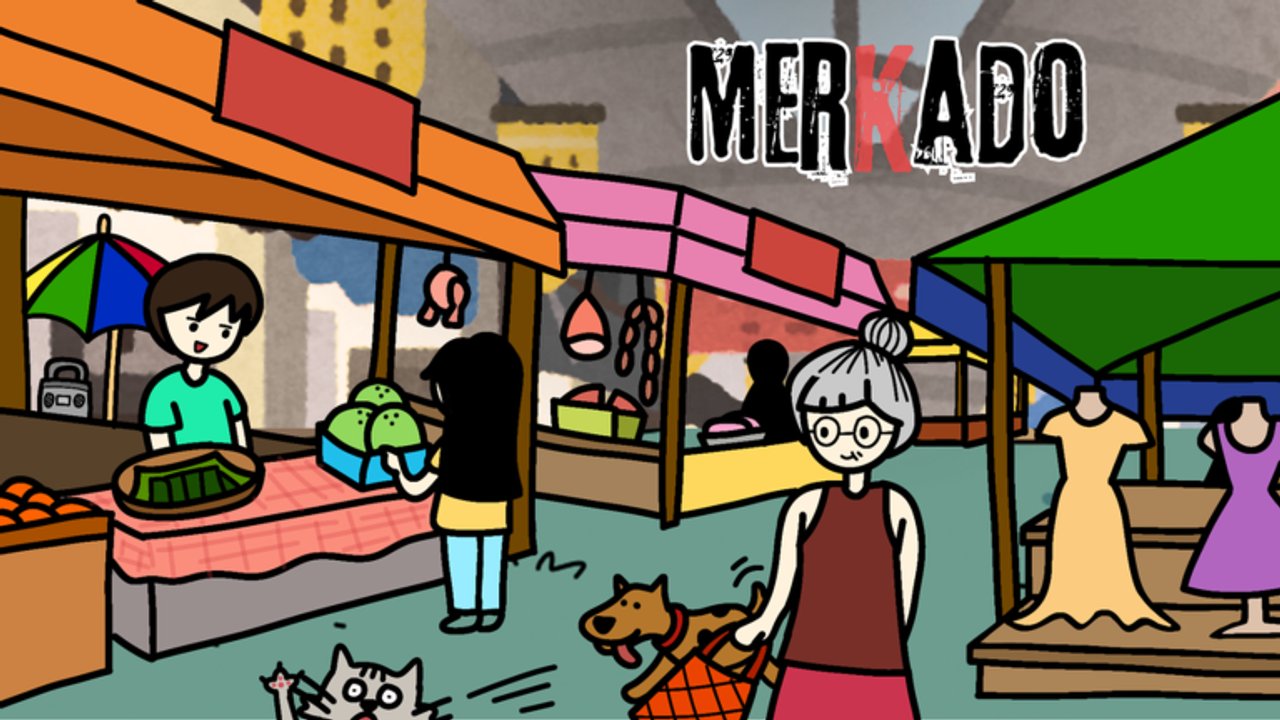
Merkado drops you into a Filipino palengke fantasy on Roblox: you are a vendor, not a fighter. Your job in the first hour is simple on paper and busy in practice—claim a stall, buy supplies, put goods on the tables, serve customers, practice tawad (bargaining), watch utang (credit) carefully, and decide when your first upgrade is worth the cash. This walkthrough is the onboarding path for Lokalidad Studio’s free Simulation / Tycoon experience (server size six). Follow it once, then branch into deeper pages like How to Bargain, Make Money Fast, and Stall Upgrades.
Join the experience and claim your stall
Open Merkado from Roblox, join a public server, and wait for the market floor to load. You receive a basic vendor setup automatically—you do not fill out an external license form. Find your assigned stall space, learn where the supply purchase UI lives, and note the Settings / code entry button on the left side of the screen. That button matters in the next section.
Walk the aisle once before you buy anything. Spot neighboring stalls (up to five other players on a six-player server), the customer spawn flow, and where empty tables will hurt you. If the floor feels crowded, stay polite: do not block other vendors’ restock paths. More etiquette lives on the Players Hub.
Redeem codes before you grind
Before you spend your starting float on a huge restock, open Settings, choose Enter Code / Codes, and redeem every active promo. Codes frequently grant cash, Money Potion, Candy / Candy Corn style boosts, and event cosmetics. The live list and redemption steps sit on Codes—bookmark it and recheck after updates. Early cash from codes shortens the painful “empty shelves, no float” phase and funds your first capacity or table upgrade sooner.
Type codes exactly as shown (case sensitive). Each code is usually one redeem per account. If a code fails, it may already be used or expired—do not spam retries while customers wait.
Buy supplies and stock the tables
With a little cash in hand, buy a balanced starter mix: fast-moving vegetables, reliable meat, and higher-ticket seafood if you can afford a small tray. Do not dump everything into one category on day one. Empty shelves kill foot traffic even if your bargain skills are perfect. Stock tables so buyers can see product immediately; a pretty stall with nothing on display earns nothing.
Restock discipline beats panic buying. Sell down a tray, then refill the hottest movers first. For a ranked view of what to prioritize as you grow, open the Tier List Hub. For timing and potion usage that accelerate the same loop, use Make Money Fast.
Serve customers and learn basic tawad
When a customer approaches, complete the serve interaction and watch for bargain prompts. Tawad is the heart of Merkado’s fantasy—Filipino wet-market haggling turned into a gameplay loop. As a new vendor:
- Prefer closing a fair sale over squeezing every last coin on your first dozen customers.
- Reject offers that wipe your margin, especially on seafood you just restocked at a high cost.
- Accept reasonable counters when the queue is long—throughput often beats a single perfect deal.
- Be careful with utang (credit). Letting too many buyers walk with unpaid tabs can stall your restock budget.
Once you understand the buttons and mood of the bargain UI, graduate to the full deep dive: How to Bargain. That page covers accept/reject timing, reading customer mood, credit risk, and margin protection without losing the sale.
First-hour checklist
Use this as a timed run:
- Join a server and locate your stall and supply UI.
- Redeem every working code on Codes.
- Buy a mixed starter stock (veggies + meat, then a little seafood).
- Fill tables so nothing looks abandoned.
- Serve several customers; practice one careful bargain each.
- Avoid stacking utang until you have a restock buffer.
- When cash covers a meaningful capacity or table upgrade—and you can still restock—spend it using priorities from Stall Upgrades.
- Skim the Tier List Hub before your second big supply run.
When to upgrade (and when not to)
Structural upgrades—capacity, tables, layouts, license-style progression—are funded with in-game cash, not Robux for the core path. Upgrade when:
- You regularly sell out before you can restock (need capacity / tables).
- Customers queue but cannot see enough product (need layout / display).
- You have a cash buffer after the upgrade cost (never go broke on a vanity unlock).
Do not upgrade the moment you hit the exact price if that leaves shelves empty. An upgraded empty stall still earns zero. Details and a spend order live in Stall Upgrades. After patches, confirm costs on Updates.
What to open next
- How to Bargain — tawad, mood, utang, margins
- Make Money Fast — codes, high-turn goods, potions, restock timing
- Stall Upgrades — capacity, tables, layouts, license progression
- Tier List Hub — seafood / meat / vegetables / events / potions
- Codes — current promo rewards
- Scripts Hub — if you research automation tools (account risk applies)
- Players Hub — NPC buyer types and six-player etiquette
- Guides Hub — full guide map
Common first-hour mistakes
- Skipping codes and grinding from a near-empty wallet.
- Stocking only expensive seafood with no fast vegetable movers.
- Accepting every bargain until margins vanish.
- Offering too much utang before you can restock.
- Buying an upgrade that empties your float.
- Ignoring other players’ paths on a six-player floor.
Finish this checklist once, then treat Merkado as a loop: restock, bargain, protect margin, upgrade, repeat. The video above (PART 1 release footage) shows a real early session if you want a visual companion while you play.
Frequently Asked Questions
Quick answers about codes, bargaining, and stall growth.
Do I need a special stall license outside the game?
No. Merkado grants a basic vendor setup in-game. Expansion uses cash-funded upgrades, tables, layouts, and license-style progression inside the experience.
Should I redeem codes before buying supplies?
Yes. Codes often grant cash and potions that fund your first restock and upgrade. Check the Codes hub for the current list and Settings → Enter Code to redeem.
What should I stock first?
Start with a mix: fast vegetables, steady meat, and a small seafood tray if cash allows. Avoid putting your entire float into one slow category.
When should I learn advanced tawad?
After you can serve customers without freezing. Then open How to Bargain for accept/reject timing, mood reads, and utang risk.
When is my first upgrade worth buying?
Buy capacity or tables when you sell out often and still keep a restock buffer afterward. Never upgrade into empty shelves—see Stall Upgrades for the full order.
Where do scripts fit for beginners?
Learn the manual loop first. If you later research tools, read the Scripts hub and understand Roblox account risk before running anything.