Merkado Scripts Toolkit
Feature overview, loadstring example, and account-risk disclaimers.
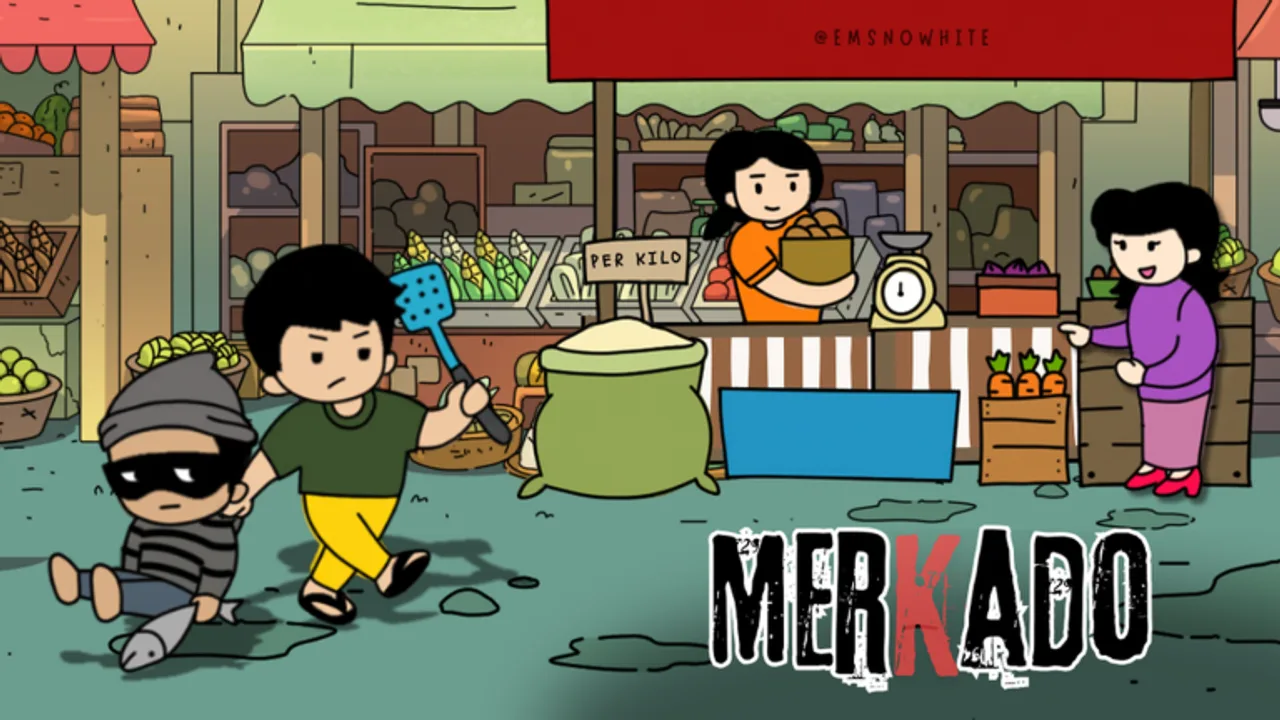
Merkado scripts automate the repetitive parts of running a Filipino palengke stall: serving customers, restocking shelves, buying supplies, handling tawad (bargaining), and collecting or tracking utang (credit). This hub explains one common community toolkit feature set so you know what loaders claim to do, how a typical loadstring looks, and why every executor-based tool carries real account risk. Nothing here is an official Lokalidad Studio product, and documenting a feature list is not an endorsement.
If you prefer to play fair and learn the loop by hand, start with the Getting Started guide, practice margins in How to Bargain, and claim free Cash from the Codes Hub instead. Scripts never replace market sense. Empty shelves, bad tawad acceptance, and unpaid utang still hurt profits whether you click manually or automate.
Important safety disclaimer (read before anything else)
Using third-party scripts, executors, injectors, or remote loaders on Roblox violates Roblox Terms of Use for most accounts and may lead to warnings, temporary bans, or permanent account loss. Detection improves over time. A script that “worked yesterday” can still get your main wiped after a client update.
Additional risks beyond bans:
- Key systems and link unlocks often open browser pages, Discord invites, or download prompts. Those flows are a common path for malware, stealer payloads, and credential phishing.
- Never share your Roblox password, email code, cookie,
.ROBLOSECURITYtoken, or session with a script author, “verifier” bot, or website. - Paid unlocks and random pastebins can change silently. A loadstring that once fetched a stall helper can later fetch something else.
- AFK automation can spam purchases, accept ruinous tawad, or approve endless utang while you are away—burning the Cash you earned from codes.
This wiki documents features for informational purposes only. You use any script at your own risk. We do not host executors, sell keys, bypass key checks, or guarantee that any loader still works after a Roblox or Merkado update. Prefer an alt account if you experiment at all, and disable the tool the moment behavior looks wrong (spam buys, empty Cash, stuck dialogues, unexpected teleports).
Main toolkit: five core features
Community Merkado toolkits usually bundle the same five toggles. Names vary by author, but this is the feature set players ask about most often.
Auto Serve
Auto Serve watches the customer queue and completes sale interactions so you do not miss walk-ups while restocking. In a six-player server, traffic spikes when several stalls are busy. Automation keeps your counter moving, but you should still watch for odd offers or stuck NPCs after a patch.
Auto Restock
Auto Restock refills seafood, meat, and vegetable displays when stock hits a threshold. Empty stalls kill momentum and train customers to walk away. Pair restock logic with a Cash reserve so the script cannot drain you buying inventory you cannot sell before a server hop.
Auto Buy Supplies
Auto Buy Supplies purchases wholesale crates or supplier packs when your backroom runs low. Useful during long AFK sessions, dangerous if prices spike or the shop UI changes. Set conservative buy limits. Confirm the script targets Merkado supplier menus only, not random gamepasses or unrelated prompts.
Auto Handle Tawad (bargaining)
Tawad is the Filipino bargain loop that makes Merkado feel like a real wet market. Customers push for lower prices; you accept, counter, or refuse. Auto Handle Tawad applies rules such as minimum margin or maximum discount. Poor settings can accept every lowball and erase profit. Learn fair ranges by hand with How to Bargain before you trust an auto-accept floor, and disable the feature while you are still learning.
Auto Handle Utang (credit)
Utang lets trusted customers take goods now and pay later. Auto Handle Utang may approve credit, chase overdue balances, or block new debt when float is low. Over-approving utang locks Cash in receivables. Use automation only after you understand which regulars actually pay.
Example loadstring (display only)
Many toolkits ship as a single loader line. The example below is shown for documentation so you recognize the pattern. Running it still requires a third-party executor and remains unauthorized and risky.
loadstring(game:HttpGet("https://raw.githubusercontent.com/KnorkzPH/KnorkzykiPH/refs/heads/main/Toolkit_GameHub_Loader.lua"))()Loaders can change without notice. Always read what a script requests before pasting anything into an executor. If a key system opens a browser page, scrutinize the domain, skip unknown downloads, and never type account credentials into the unlock flow. Close the executor when you finish testing. If the loader asks for permissions that have nothing to do with serving customers or restocking shelves, stop.
Smarter alternatives to heavy automation
You can grow a stall without scripts:
- Redeem every active code on the Codes Hub for Cash and potions.
- Follow Getting Started for restock order, tawad basics, and early expansion.
- Practice accept/reject floors in How to Bargain so margins stay intentional.
- Play during busy hours so organic traffic fills the queue.
- Keep a written utang log if the UI is easy to miss payments.
- Watch the Updates Hub after patches; UI changes often break brittle macros.
Money Potions from codes temporarily raise income and reduce the urge to AFK farm. Seasonal cosmetics such as the Witch Broom do not require scripts. A disciplined manual loop plus codes is slower than a broken auto-buy loop that empties your wallet—and it keeps your account.
How to evaluate a Merkado script before use
- Confirm the feature list matches Merkado systems (Auto Serve, Auto Restock, Auto Buy Supplies, Auto Handle Tawad, Auto Handle Utang), not a generic tycoon paste.
- Assume account ban risk is real even when a friend says their alt is fine.
- Treat every key system as untrusted until you understand exactly what the unlock page does.
- Avoid tools that ask for account login outside Roblox.
- Prefer readable loaders over obfuscated blobs when you can review them.
- Stop immediately if Cash drops with no sales or if the client freezes mid-tawad.
- After any Roblox weekly patch, expect breakage; do not keep forcing a dead script.
Related pages
Claim free rewards first on the Codes Hub. Learn the manual loop in Getting Started, protect margins with How to Bargain, and browse the wider Guides Hub for deeper stall strategy. This Scripts Hub exists so players understand the toolkit landscape and the risks—not to push bans or malware onto anyone’s main account.
Play Merkado for the market fantasy: noisy stalls, sharp tawad, careful utang, and a growing palengke footprint. Automation is optional, fragile, and punishable under Roblox ToS. Manual skill plus codes remains the safest path.
Frequently Asked Questions
Quick answers about codes, bargaining, and stall growth.
Are Merkado scripts safe to use?
No script is fully safe. Executors and injected loaders can violate Roblox rules and risk bans or malware. Use at your own risk, preferably on an alt, and never share your password.
What do Merkado toolkit scripts usually automate?
Common features include Auto Serve, Auto Restock, Auto Buy Supplies, Auto Handle Tawad (bargaining), and Auto Handle Utang (credit).
Do I need scripts to progress in Merkado?
No. Codes, careful restocking, fair tawad, and disciplined utang are enough for solid growth. Scripts only automate clicks; they do not replace market decisions.
Why did my Merkado script stop working?
Roblox client updates and Merkado UI patches often break selectors. Disable the script, rejoin, and wait for the author to update the loader.
Can scripts steal my Roblox account?
Malicious or poorly reviewed tools can phish cookies or passwords. Never enter credentials into a script prompt or unknown website tied to a key system.
Where should I learn Merkado without automation?
Start with the Getting Started guide, redeem Codes Hub rewards, and track patches on the Updates Hub so you learn the real stall loop.